£100 Off EZ Rider Kit — UK Only

Cart

Your cart is empty

Smarter Over Time

Manage your e-bike system more easily with a smarter, more connected mobile experience.

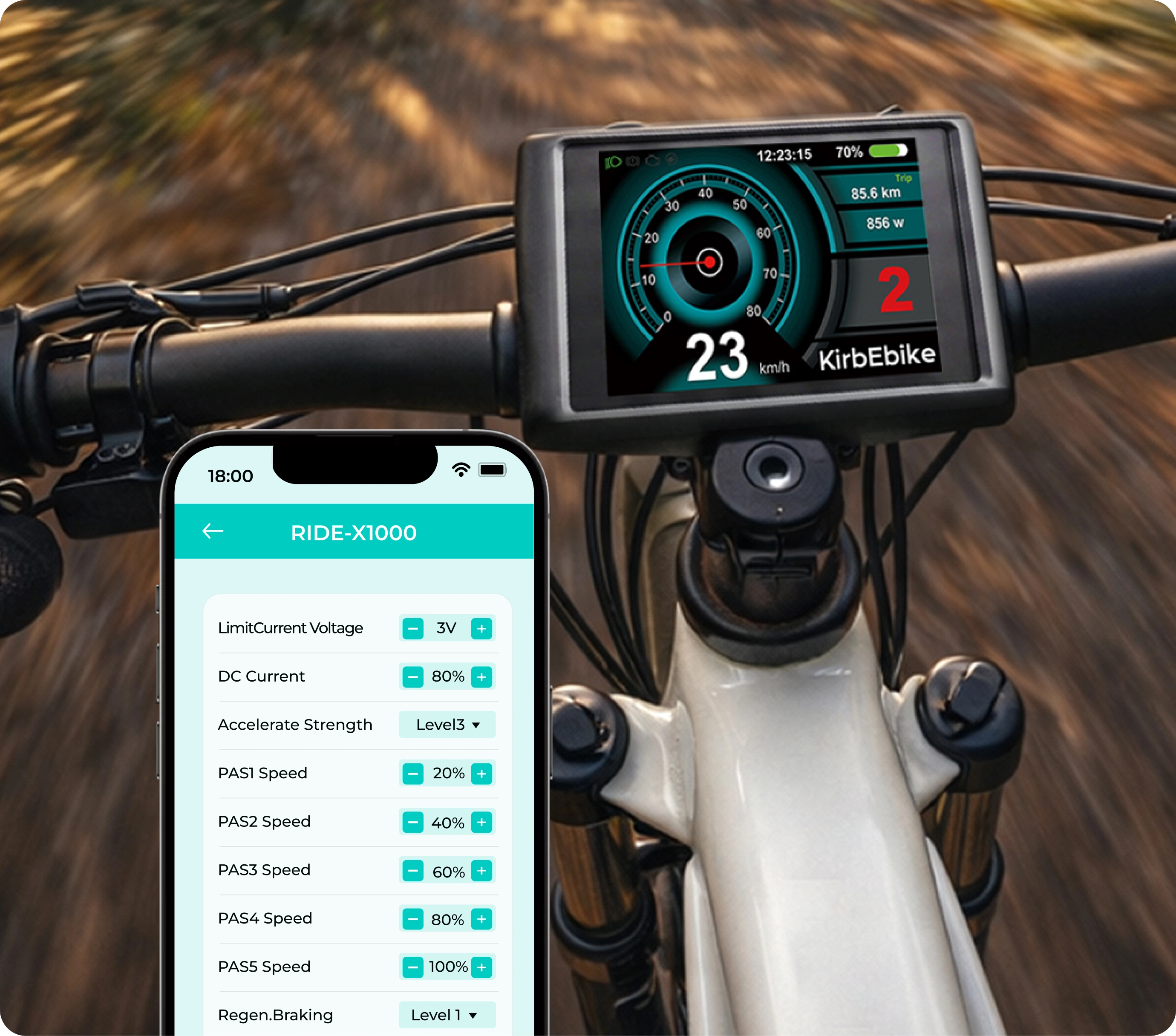
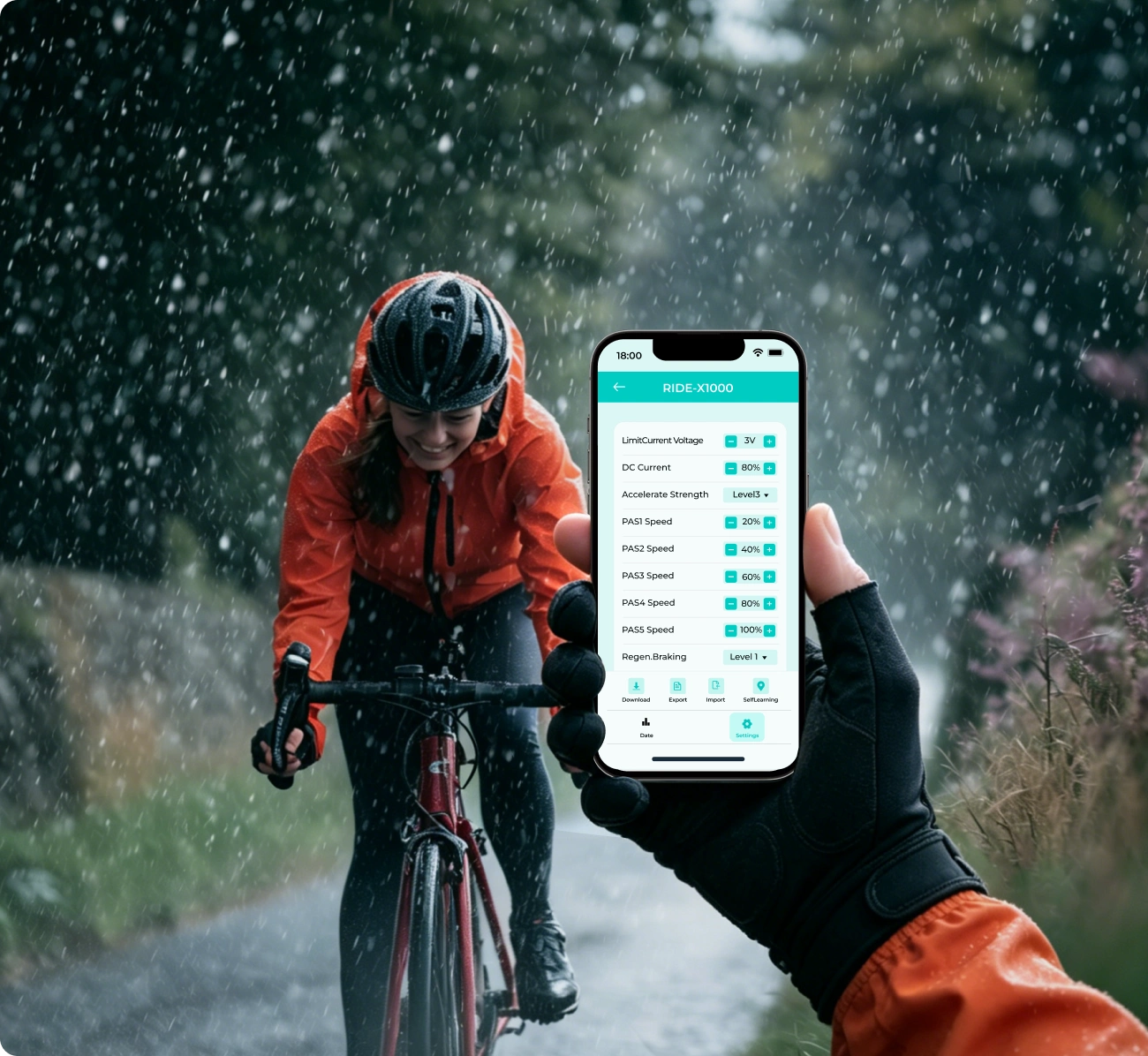
Customize Your Ride

Fine-tune supported settings to match the way you want your bike to feel.

Real-Time Data, Clearly Displayed

See live system information more clearly while your bike is connected.

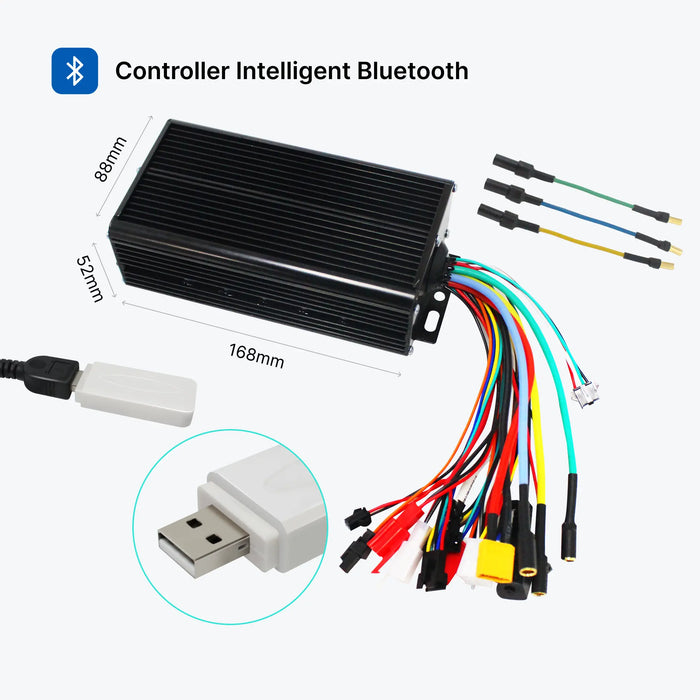
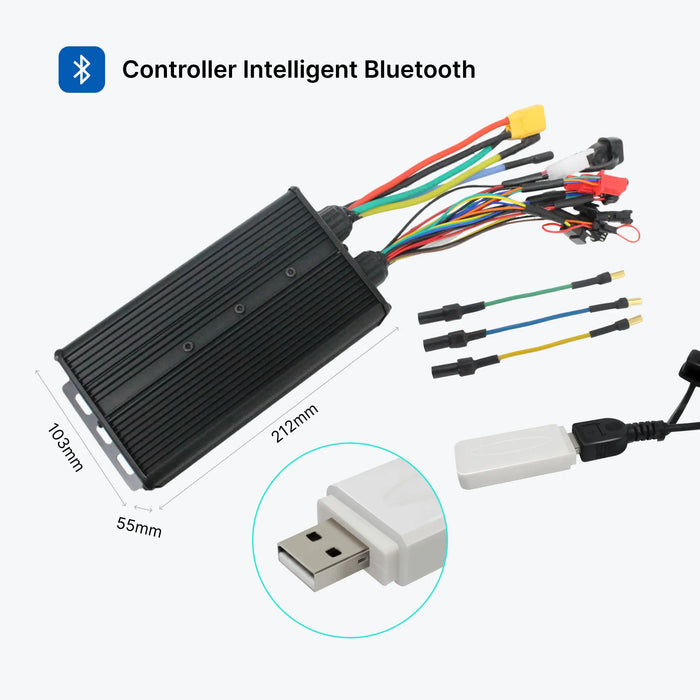
Connect Fast with Bluetooth

Pair your phone with a compatible controller quickly and start using the app in just a few steps.

Save and Reuse Your Settings

Manage configurations more efficiently with built-in download, export, and import tools.

Basic Functions

It included Rear Time Data, Limited Current Voltage, DC Current, Accelerate Strength, PAS1 Speed, PAS2 Speed, PAS3 Speed, PAS4 Speed, PAS5 Speed, Regen.Braking, Limit Mode Parameter Settings, Selflearning.

You can use the Download, Export, Import to change and copy data to one or other controllers.Rear Time Data: Battery voltage, Throttle Voltage, Speed, Hall State, Work State, Fault.

Rear Time Data:

Battery voltage, Throttle Voltage, Speed, Hall State, Work State,Fault.

Settings

  • Selflearning
  • Limit Current Voltage
  • DC Current
  • Accelerate Strength
  • Regen.Braking
  • Limit Mode
  • Download
  • Export
  • Import

Connect In 4 Simple Steps

Ride Power is designed to be straightforward to use. With just a few quick steps, you can connect your phone to a compatible controller and start viewing data or adjusting settings.

Download the App
1

Download the App

Search for Ride Power in the App Store or Google Play, then download and open the app on your phone.

Enable Bluetooth Permissions
2

Enable Bluetooth Permissions

Allow the app to access Bluetooth so it can detect and scan for nearby compatible devices.

Scan and Connect
3

Scan and Connect

Use the scan function to search for your controller. Once your device appears in the list, tap to connect.You may see controller names such as:

  • RIDE-X1000
  • RIDE-S500
View Data and Enter Settings
4

View Data and Enter Settings

Once connected, you can access the real-time dashboard and supported settings interface to begin monitoring or adjusting the system.

Before connecting, make sure your controller and LCD display system are powered on.

The Ride Power App

Not Sure If Your System Is Compatible?

Send us your controller model, order number, or product photo, and we will help you confirm whether your system supports the Ride Power App.

If you are building a new setup, we can also recommend compatible controllers, kits, and accessories.

Frequently Asked Questions
What systems is the Ride Power App compatible with?

Ride Power is compatible with selected KirbEbike Bluetooth-enabled controllers and supported e-bike systems. Contact us if you need help confirming compatibility.

Can I use the app with both complete bikes and conversion kits?

Yes. The app is designed to support selected systems used in complete bikes and compatible conversion kit setups.

What can I adjust in the app?

Depending on your controller version, supported settings may include self-learning, current limit, DC current, acceleration response, regenerative braking, and speed limit mode.

Can I save or transfer settings?

Yes. Supported configurations can be downloaded, exported, and imported for easier setup and management.

Do I need Bluetooth to use the app?

Yes. Bluetooth is required to connect the app to a compatible controller.

Do I need to keep the bike powered on while connecting?

Yes. Please make sure your controller and LCD display system are powered on before trying to connect through the app. If the system is not powered on, the app may not detect the controller properly.

Can I use Ride Power with older KirbEbike controllers?

Not always. Some older controller versions may not support Bluetooth app connection. If you are unsure, please contact us before setup and we will help confirm whether your system is compatible.

Can I save or copy settings to another controller?

Yes, when supported by the system. Functions such as Download, Export, and Import are designed to make parameter management easier across compatible controllers.