Winkelwagen
Je winkelwagen is leeg

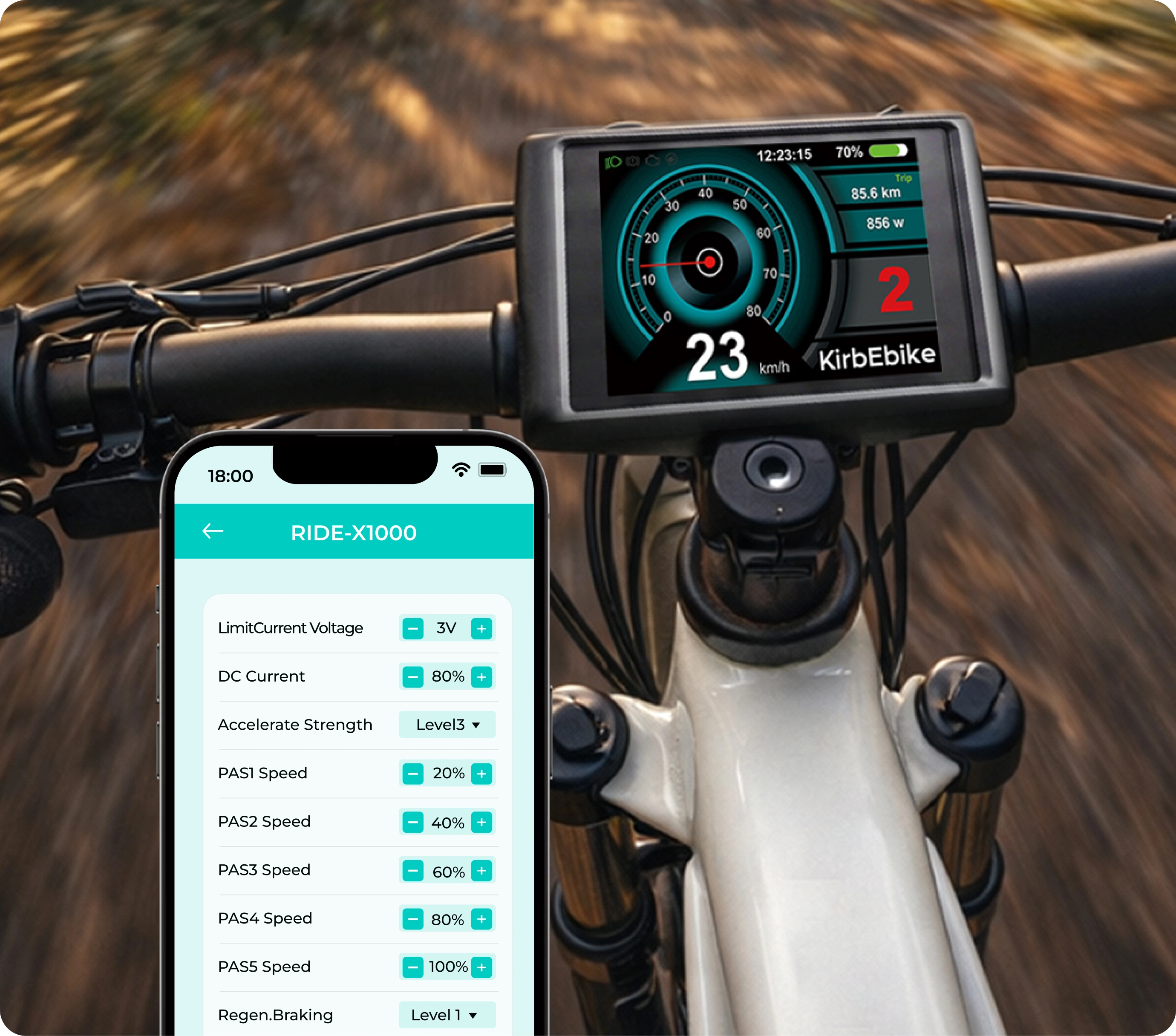
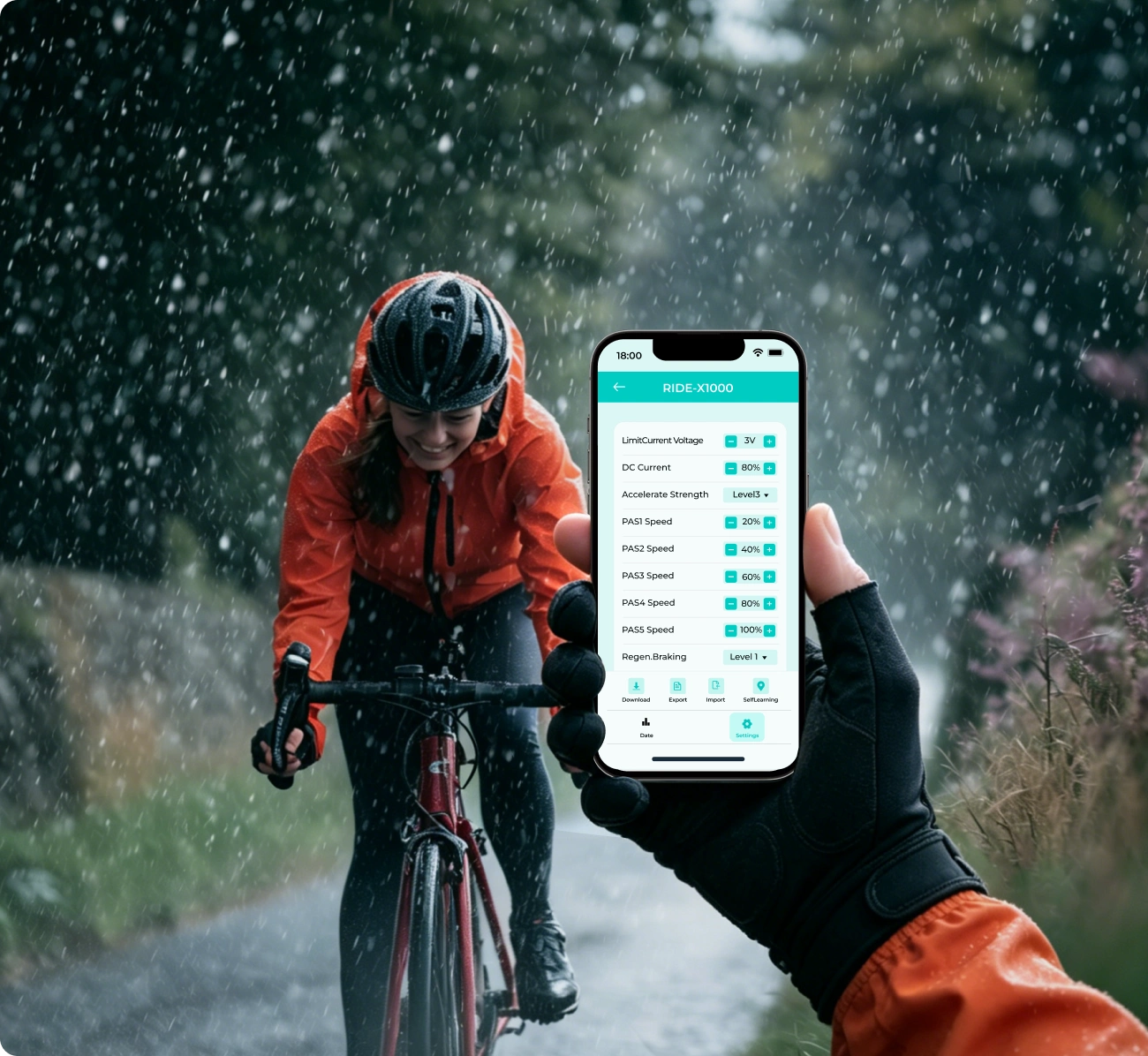
It included Rear Time Data, Limited Current Voltage, DC Current, Accelerate Strength, PAS1 Speed, PAS2 Speed, PAS3 Speed, PAS4 Speed, PAS5 Speed, Regen.Braking, Limit Mode Parameter Settings, Selflearning.
You can use the Download, Export, Import to change and copy data to one or other controllers.Rear Time Data: Battery voltage, Throttle Voltage, Speed, Hall State, Work State, Fault.
Battery voltage, Throttle Voltage, Speed, Hall State, Work State, Fault.

Ride Power is designed to be straightforward to use. With just a few quick steps, you can connect your phone to a compatible controller and start viewing data or adjusting settings.
Download the App
Search for Ride Power in the App Store or Google Play, then download and open the app on your phone.
Enable Bluetooth Permissions
Allow the app to access Bluetooth so it can detect and scan for nearby compatible devices.
Scan and Connect
Use the scan function to search for your controller. Once your device appears in the list, tap to connect.You may see controller names such as:
View Data and Enter Settings
Once connected, you can access the real-time dashboard and supported settings interface to begin monitoring or adjusting the system.
Traditional controller setup relies on experience, workshop tools, or trial and error. Ride Power turns opaque operations into intuitive, mobile-friendly interactions — accessible to anyone.
All the key data is right there — no more guessing, no more diagnostic guesswork.
Complex parameters translated into straightforward, touch-friendly controls.
Every adjustment — from takeoff to top speed — translates directly into how your bike feels.
Import and export configurations to manage multiple bikes or use cases with ease.
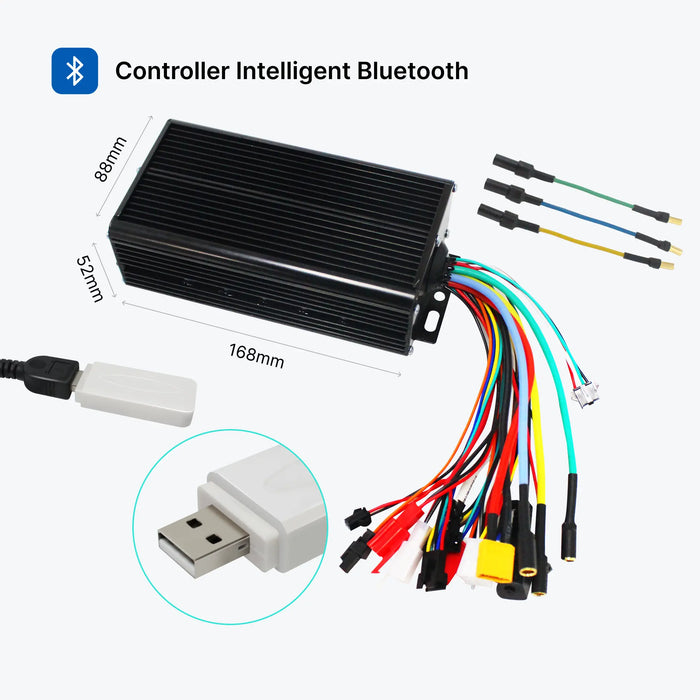
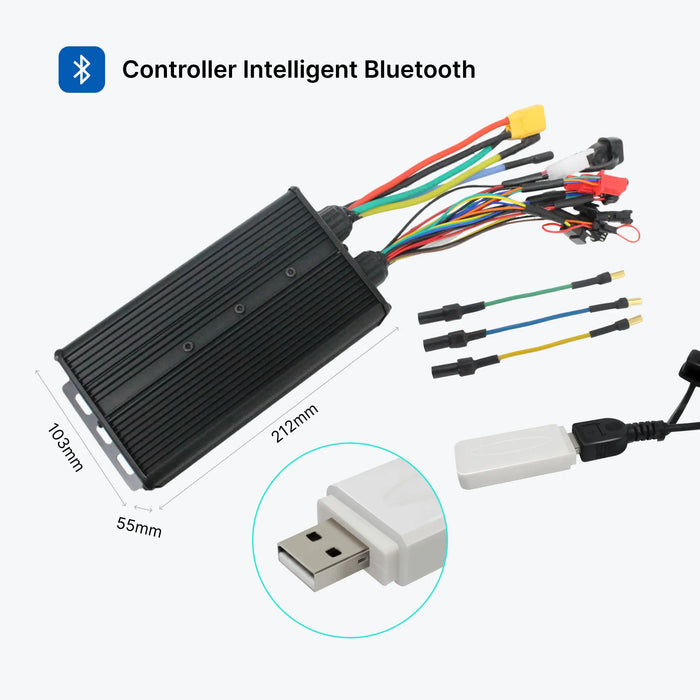
Ride Power is primarily designed for KirbEbike’s latest Bluetooth-enabled controllers. These newer controller versions are built to support more stable app communication and a smoother parameter tuning experience.
If you are not sure whether your controller supports the app, please send us your controller model, order number, or a photo of the controller and display system. We will help you confirm compatibility before setup.
No. Ride Power is designed with a simpler setup flow and more intuitive programming logic. You do not need advanced coding knowledge or deep controller experience to use it for everyday adjustments.Most riders can complete the basic process by:
The settings are presented in a much more visual and user-friendly way, making it easier to review and adjust supported values.
Ride Power does not physically upgrade the motor, battery, or controller hardware itself. However, it can help you optimize supported controller settings, which may improve responsiveness, PAS behavior, throttle feel, braking behavior, and overall ride tuning depending on your system setup.In other words, it does not create hardware performance, but it can help you get more out of a compatible system through better adjustment and more precise control.
Yes. Please make sure your controller and LCD display system are powered on before trying to connect through the app. If the system is not powered on, the app may not detect the controller properly.
Not always. Some older controller versions may not support Bluetooth app connection. If you are unsure, please contact us before setup and we will help confirm whether your system is compatible.
Yes, when supported by the system. Functions such as Download, Export, and Import are designed to make parameter management easier across compatible controllers.